Installing Ubuntu on WSL
Why Ubuntu for WSL?
The desktop that I am using for this documentation project runs Windows 10. Quite obviously, these questions are pertaining to UNIX, so I can't document the process of answering them while using Windows.
However, I do have WSL installed, allowing me to run Linux within my Windows computer.
I already had the Docker Desktop distro, but this distro didn't have basic things such as apt or Bash installed. It only came with a shell called SH. I found this Stack Overflow comment to be insightful about the difference between SH and Bash.
To resolve the issues I was facing with the Docker Desktop distro, I simply didn't use it. I went to the Microsoft Store and installed Ubuntu for WSL. I chose Ubuntu because it is a very common and popular Linux distro.
Checking WSL Linux Distros
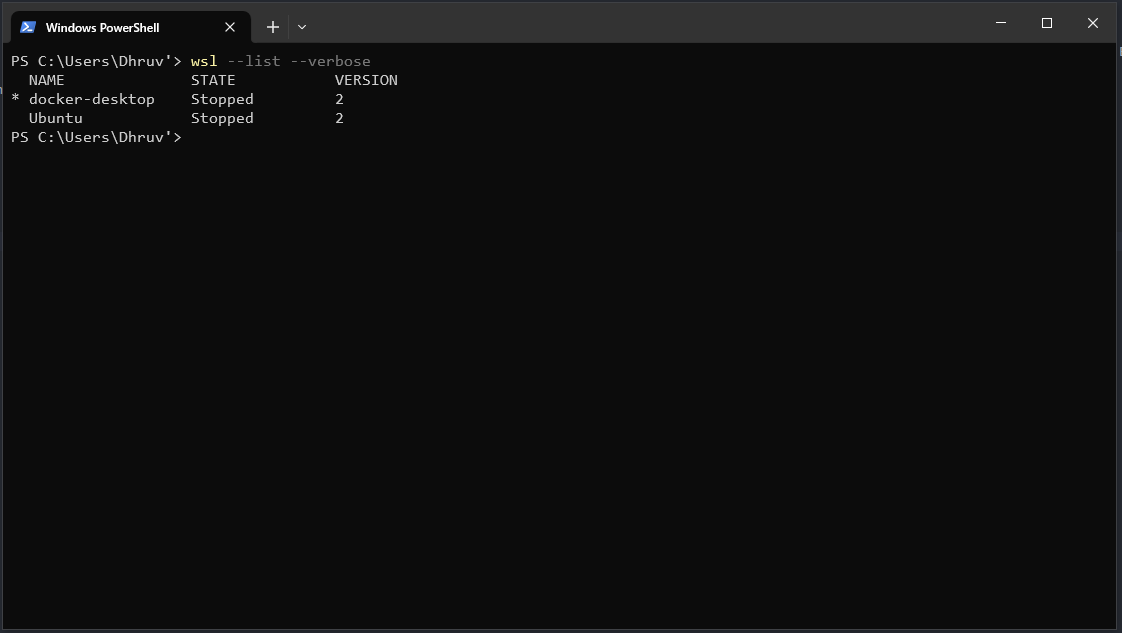
After doing this, I checked the Linux instances on my computer by running the following command
Running this command for me showed the Ubuntu and docker-desktop distros.
Entering Ubuntu on WSL
In order to select the Ubuntu instance to use, I ran the following command
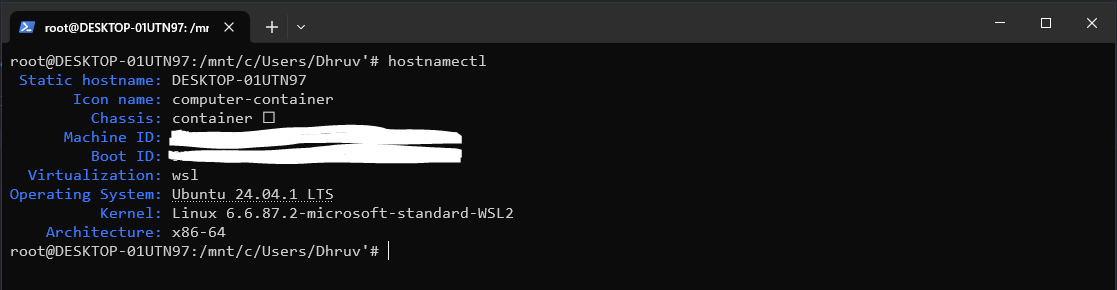
To check that I was actually in the Ubuntu instance, I ran this next command
As the image below clearly shows, I was on the Ubuntu distro