What is the PATH Variable?
What the PATH Variable Does
The PATH variable stores a list of directories that contain executable commands. These directories are searched when a command is executed in a shell.
For example, the ls command is actually the name of an executable. So when ls is typed into the shell, the directory where the ls executable is stored is listed within the PATH variable.
To check all of the directories listed in the PATH variable, I ran the following command
Running this command showed a long list of directories for me, some of which are actually from my Windows 10 PATH variable, but that is the result of me using WSL.
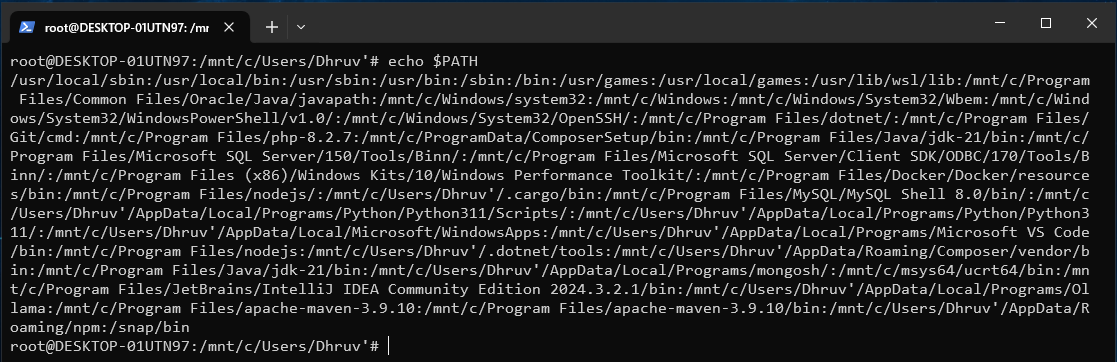
Each directory in the PATH variable is seperated by a colon.
Editing the PATH Variable
There are multiple ways to edit the PATH variable, and I'll list some here.
- Altering the system wide
PATHvariable in/root/etc/environmenton Ubuntu - Modifiying it in the current shell session
- Editing it for the current user in
.bashrc - Editing it for the current user in
.bash_profile - Etc (there are many other options)
I'll go over how I did options 2 and 3.
Editing the shell session PATH variable
To completely replace the PATH variable, the following command can be ran in a shell session
To append entries to the PATH variable, the following command can be ran instead
Editing the PATH variable using .bashrc
To edit the PATH variable using .bashrc, the .bashrc file can be opened in an editor, and the previous process can be copied by writing the commands in .bashrc rather than a shell session.